


Photos, notes, doodles & stickers
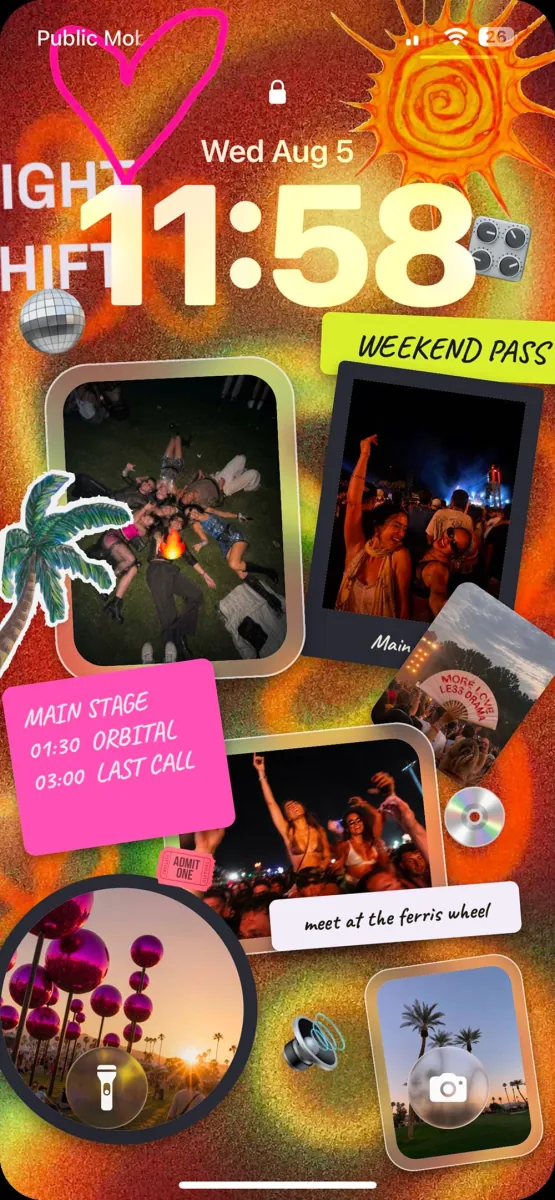
Frames, captions, handwriting, stickers, chaos — in any order, at any angle. The collage your group chat never had.
NewVideos, voice notes, songs & plans
A private wall your friends fill together — photos, videos, voice notes, songs and plans. It lives on your Home Screen and Lock Screen, so the good stuff stays in view.
now with video ↘

↑ voice notes
Midnight City
M83
road trip song

Cabin weekend
Fri, Oct 17 · 6:00 PM
Sam's cabin
Second Floor Pizza
DOWNTOWN
FOOD + DRINK · 17 OCT 26
you know how this goes
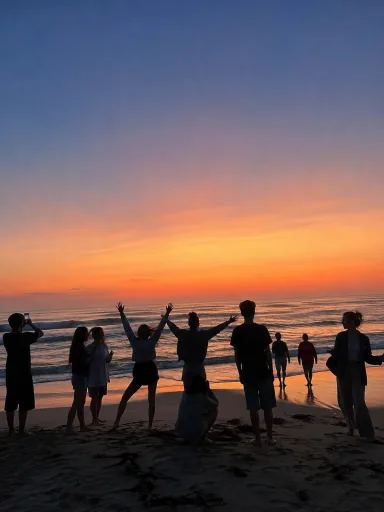
The best photo of the trip lands in the chat. Everyone loses it. By dinner it's buried under "what time is checkout." On a wall, it stays where everyone can see it — and everyone keeps adding to it.



 Beach week
wyd?
main character
😂6
Beach week
wyd?
main character
😂6


Beach week
Maya reacted 😂
Beach week · 3 new messages
Josh: framing this. literally.
Beach week
Taylor added a note
what goes on a wall
Pin it, stack it, scribble on it. Everything moves. Nothing gets buried.
Frames, captions, handwriting, stickers, chaos — in any order, at any angle. The collage your group chat never had.
Fifteen seconds, sound on. They play right on the wall.
Up to a minute. Funnier than typing it out.
Search any song, or drop a Spotify or SoundCloud link. It plays on the wall.
YouTube, TikTok and Vimeo links play in place. No tab-hopping.
Drop the spot as a stamp. One tap opens it in Maps.
The rental, the tickets, the recipe — with its picture, where everyone can find it.
Every wall has its own chat for the back-and-forth. Hold a message to put it on the wall.
New · Plans
Drop an event with a time and a place, then send the link to anyone. Friends answer Going, Maybe or Can't straight from their browser — no app, no account, just a first name. When the photos come in, they land on the same wall.
Sam invited you to
Cabin weekend
Fri, Oct 17 · 6:00 PM
Sam's cabin
Bring a sleeping bag. We have the rest.
Going Maya, Josh, Taylor +3
Maybe Priya, Dev
Your first name
Alex
No app needed. Your answer shows up on the wall.
Cabin weekend
Fri, Oct 17 · 6:00 PM
Sam's cabin
on the wall →
in their browser
it doesn't stay in the app
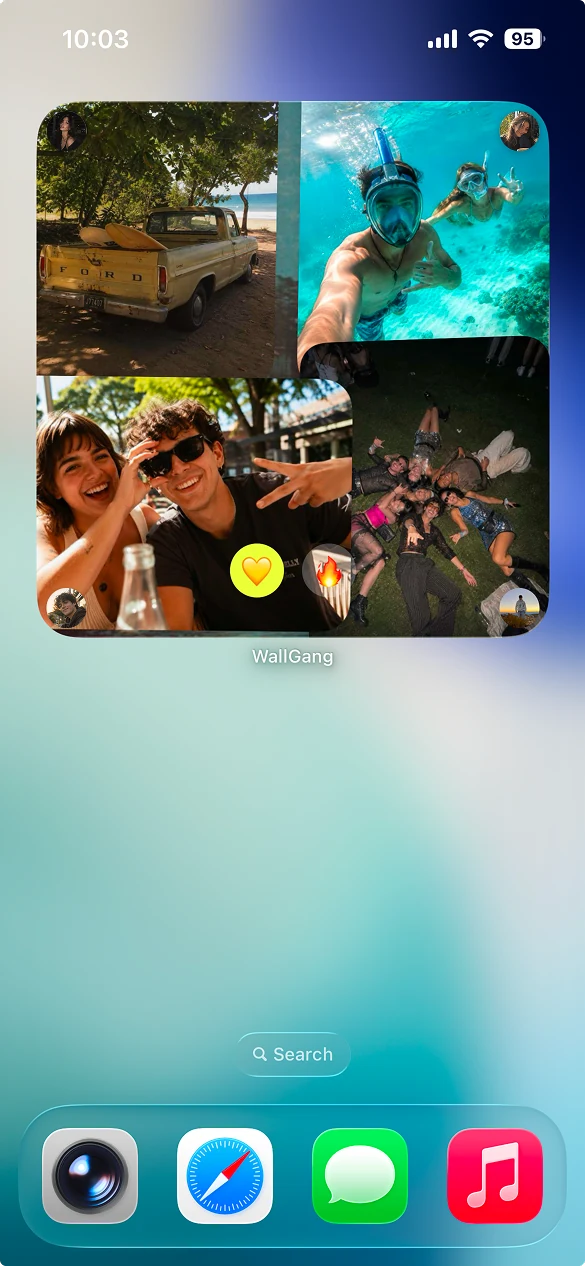
See the newest drops and who posted them. Tap a reaction right on the widget — it lands back in the room for everyone.
On iPhone, export a Live Photo or sync a Photos album for Photo Shuffle. On Android, set a still or live wallpaper that refreshes on your schedule.
share the moment, not the room
Share a single photo, song or link with anyone. It gets its own page that shows that one thing — the link can never open the room. And your @handle gives new friends one link to add you.
Sam shared this on WallGang
main character
private by default
Read the full privacy policy
Every WallGang room starts private. Only invited members can view and contribute to it.
WallGang does not sell your personal information or use your content for targeted advertising.
WallGang checks that you belong to a private room before letting you in.
Only the people in it. Every room is invite-only — including the sample wall WallGang sets up for you — and there's no public room feed. If you share a single photo or song, that link shows just that one thing, never the room. Photos you put up in Taste are the exception: those are for everyone.
To join a wall, yes — it's free on iPhone and Android. To answer an event, no: anyone can tap Going, Maybe or Can't from the link with just a first name.
Photos, 15-second videos, voice notes, notes, doodles, stickers, songs, YouTube, TikTok and Vimeo clips, places, links and events. Every wall also has its own chat, GIFs included.
On Android, an active WallGang live wallpaper refreshes on the schedule you pick, though Android may delay it. On iPhone, WallGang updates a Photos album and iOS decides when Photo Shuffle changes — WallGang never silently replaces your wallpaper.
Yes. Shared walls, the core canvas tools, chat, the widget and wallpaper are free, and free accounts can add 10 videos a day and keep 100. WallGang Plus is an optional monthly or annual subscription that raises your room and Shuffle limits.
Walls you share with other people stay up and pass to whoever has been in them longest. Walls that only you are in are deleted along with your account.
you already know which group chat.
Start a wall. Send one link. See what happens.